
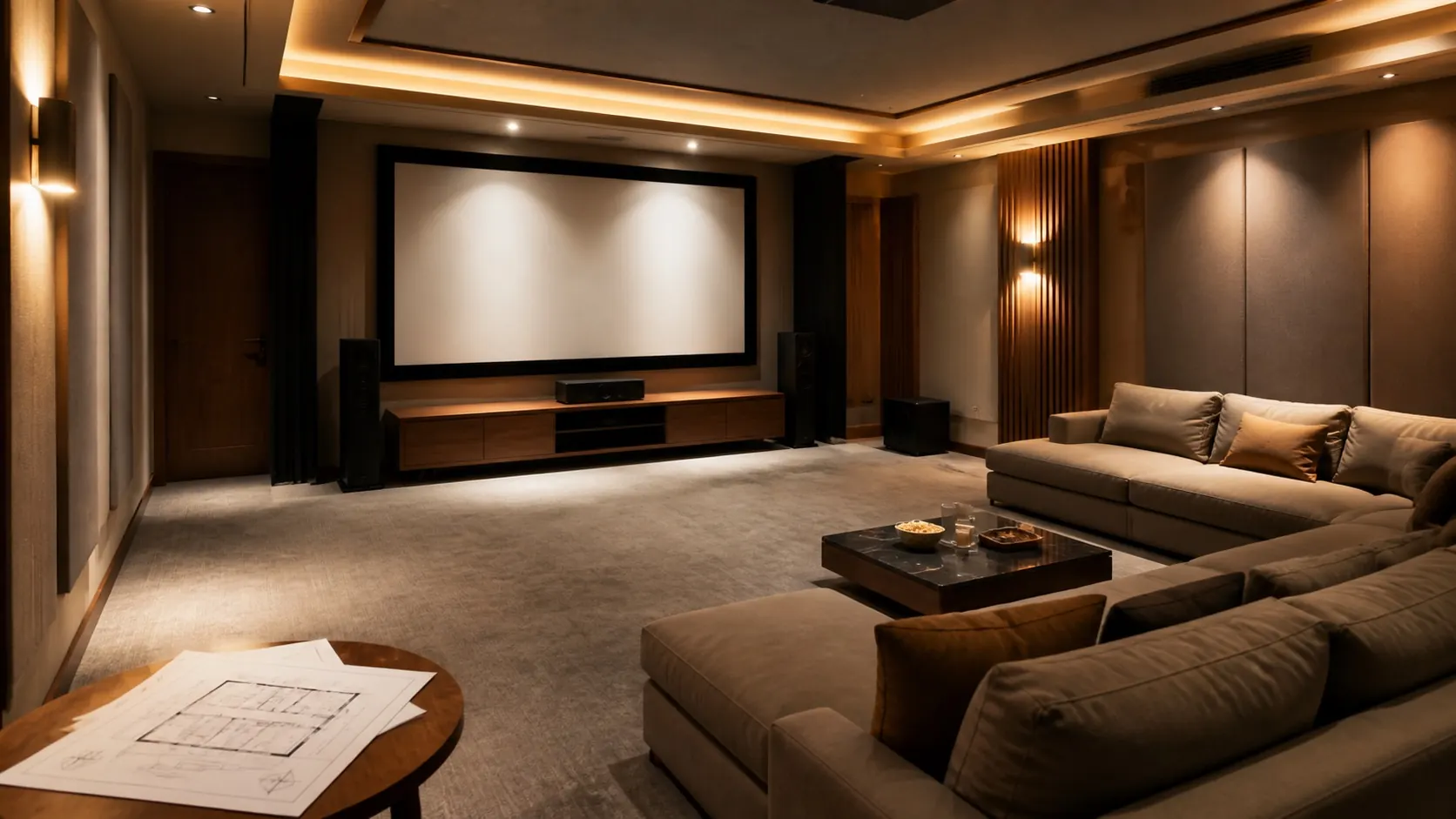
A home theater starts with where people sit and what they watch, not with the number of speakers. A dedicated media room and a television in a family living room have different constraints. Plan the screen, seats and daily walking routes together before selecting equipment that may not fit the space.
Begin with the screen and the seats
Try the proposed screen position from each regularly used seat. The main viewers should not have to twist continuously or look sharply upward. Check the manufacturer's viewing guidance for the display and judge comfort with the kinds of material you actually watch, including subtitles.
There is no single viewing distance that suits every screen and household. Screen size, picture detail, room depth and viewer preference all matter. Mark out furniture positions before buying a larger display; a screen that dominates a showroom may overwhelm a compact room.
Test recliners when extended and leave a route to the door without stepping across someone's feet. If a projector is planned, check its model-specific installation requirements and the path between projector and screen. Do not assume a unit can be placed on any convenient shelf.
Control reflections without making the room unusable
Inspect the screen position in daylight and with the usual evening lights on. A window reflected in the display or a bright fitting behind the viewer may be more distracting than the wall colour. Compare positions and adjustable window coverings before deciding the room needs permanent darkening.
For a multipurpose living room, allow daylight when the screen is not in use. Curtains or blinds should remain easy to operate and should not cover equipment vents or obstruct access. A practical viewing mode can be reversible rather than turning the whole room into a permanently blacked-out enclosure.
Keep enough low-level illumination to find the exit and move past furniture. Place lamps where their reflections do not compete with the picture. Control glare while preserving a usable room, especially when someone needs to enter or leave during a film.
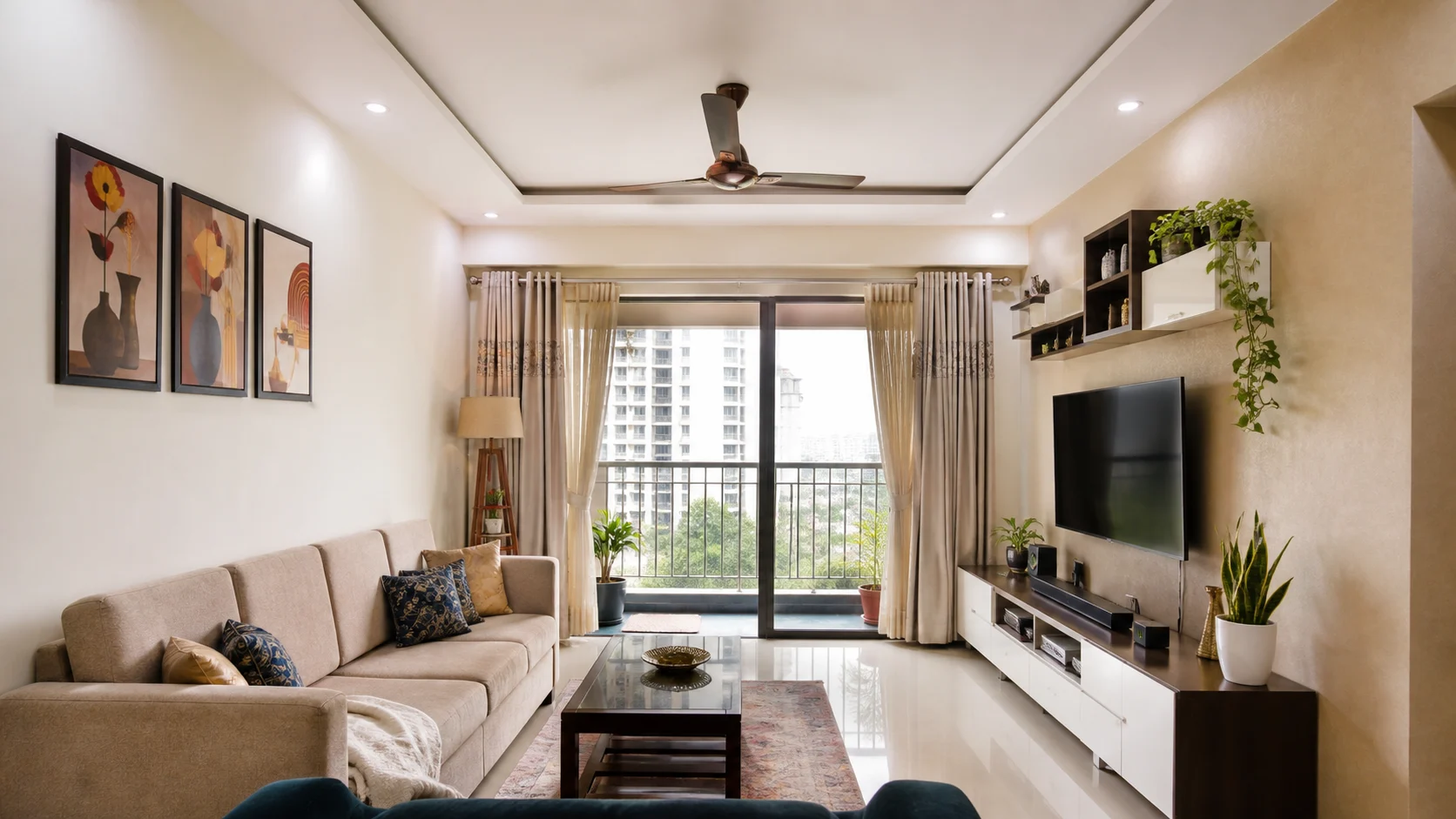
Match the sound system to the room you have
Plan speakers around the listening seats and the system's own setup guidance. Do not buy additional channels without knowing where the speakers and cables can go. A simpler arrangement that fits the room can be more workable than forcing stands into every walkway.
Dolby's home-theater setup guide explains different system arrangements, including living-room soundbars. Use the guide appropriate to your equipment rather than treating a compass direction as an acoustic specification.
Keep speaker openings unobstructed and install stands or mounts as intended by their manufacturer. When furniture is moved, reassess the listening positions and follow the system's calibration instructions where provided. Wall or ceiling mounting requires suitable support and competent installation, not improvised fixings.
Distinguish room acoustics from sound escaping next door
Soft furnishings may change how reflective a room sounds, but curtains and decorative panels are not a promise of sound isolation. Noise heard in another apartment is a different problem from echo heard at the sofa. Avoid buying treatment on the assumption that one solves the other.
Consider the location of neighbouring bedrooms and shared walls when choosing viewing hours and volume. Bass may remain noticeable outside the room even when dialogue seems moderate at the seats. Ask for feedback rather than assuming a closed door contains everything.
Use available night-listening or dialogue settings where helpful and consider suitable headphones for late viewing. Significant isolation work needs specialist assessment, building permission where required and a realistic brief. This guide does not provide acoustic construction details.
Equipment heat and cable access belong in the plan
Leave the ventilation space specified for receivers, consoles, projectors and other equipment. Do not close a cabinet around them just to hide indicator lights. Check that doors, stored media and decorative objects do not cover ventilation openings when the system is operating.
Arrange equipment so connections and controls can be reached for maintenance without pulling heavy furniture across the room. Label leads by device and keep the necessary service access. Avoid tightly packed cable bundles that prevent safe inspection or strain connectors.
Keep power leads out of routes and do not run them under rugs, pinch them in furniture or improvise extensions through walls. Follow equipment instructions and have electrical changes assessed by a qualified electrician. Plan drinks and snacks away from electronics rather than placing them on the receiver cabinet.
Traditional room preferences are not performance specifications
Some Vastu traditions prefer South-West for a home theater, with West and South discussed as alternatives. Treat these as traditional room-planning preferences, not guarantees of better sound, concentration, relationships or wellbeing.
In an existing home, window reflections, usable viewing positions, neighbours and equipment ventilation are more relevant to the working setup than moving the room for a preferred zone. A direction reference can identify the room's location but cannot determine speaker performance or safe wiring.

A living-room theater must still function between films
Leave everyday seating useful for conversation, and keep the route to a balcony or adjoining room available. Store remotes, controllers and frequently used media where they can be retrieved without opening every cabinet. Do not let extra equipment occupy the only convenient household storage.
Renters should agree any mounting or cable-routing work before installation. Choose furniture and equipment around permitted changes rather than depending on future drilling that may not be allowed. A modest system with accessible connections can avoid extensive alterations.
Illustrative example: a shared apartment living room
Consider a living room where the proposed television reflects the balcony window and a recliner would block the route outside. Test a different furniture arrangement and adjustable curtains before ordering the display. Check the view from the secondary seat as well as the central sofa position.
The household also watches late at night beside a shared bedroom wall. Start with considerate volume and the equipment's listening options, while keeping the media cabinet ventilated. If noise transmission remains a concern, seek specialist advice rather than assuming a panel or preferred direction will cure it.
Home-theater planning questions
No single compass label establishes a good viewing position. Review seating, reflections, mounting suitability and cable access. Traditional room preferences do not override those needs.
Do not rely on them for sound isolation. Light control, room reflections and sound transmission are different issues. Persistent noise leakage may need specialist assessment.
Only if the installation meets its specified ventilation and access requirements. A cabinet that traps equipment heat is not made suitable by a tidy appearance.
No. Test the viewing position and usable room depth, consult the display guidance and preserve circulation. Choose for the actual seats rather than the largest size that fits the wall.
Before mounting or altering services
This site is educational only. If your concern involves structure, waterproofing, electrical safety, gas lines, or major plumbing, consult qualified professionals before making changes. Many “Vastu problems” people experience in real life are actually practical building issues: dampness from leaks, poor ventilation, unsafe wiring, or blocked drainage. Fixing those basics often improves comfort immediately.