
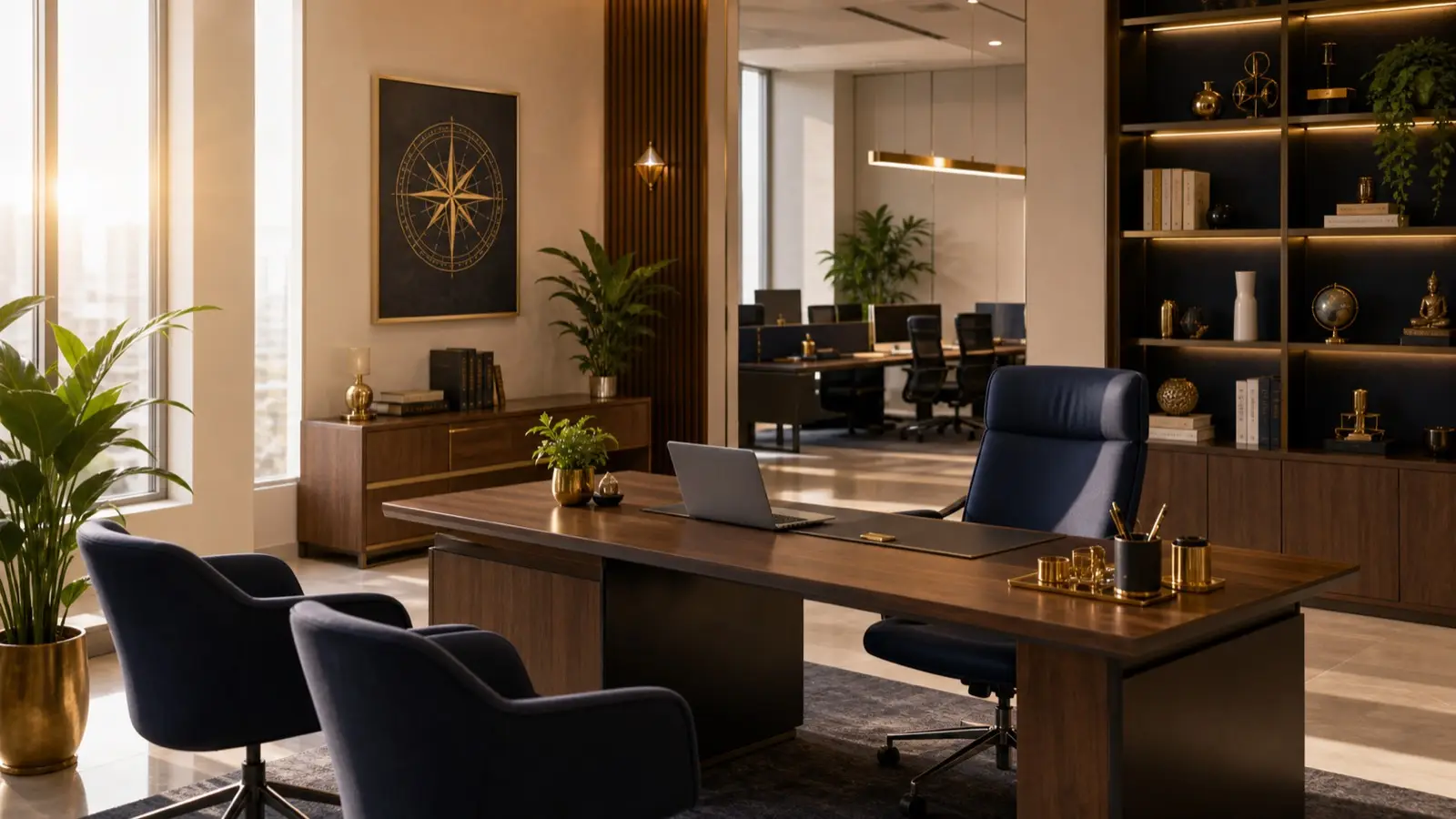
Plan this workspace around the work you actually do: screen time, calls, paperwork and a place to put equipment away. Traditional north/east desk preferences are not promises of promotion, income or productivity. The practical test is whether the setup accommodates those tasks without taking over the shared room.
Why home office Vastu matters
A home office is where earning, decisions, calls, planning, and concentration happen; for larger workplaces, see Office Vastu. If the work zone is cluttered, noisy, or mixed with sleep, productivity suffers. Vastu often prefers facing north or east for work because these directions are associated with opportunity and clarity. Practically, a good home office also needs light, ergonomics, privacy, and storage.
Desk direction and background
Facing north or east is commonly preferred. If not possible, choose the direction that gives the least distraction and best posture. Keep a stable background for video calls. Avoid sitting directly under heavy shelves or with your back exposed to constant movement. Keep wires organised and the desk surface clear.
Working from the bedroom
Many people work from bedrooms because space is limited, so combine this guide with Bedroom Vastu for Better Sleep to protect rest. This can work if boundaries are clear. Do not let office papers cover the bed. Use a desk lamp to define work time. At the end of the day, close the laptop, clear the desk, and shift the room back to rest mode.
Home office and money flow
A clean work desk supports clearer decisions. Keep invoices, tax papers, client notes, and payment records organised. If you run a small business, separate home documents from business documents. A messy desk can create missed deadlines and financial stress.
Video calls and professional presence
Your background matters. A cluttered background can affect confidence and professional image. Use a clean wall, shelf, curtain, or plant. Ensure lighting falls on your face, not behind you. This is modern practical Vastu: space supporting reputation and focus.
Illustrative example: a bedroom desk for a remote worker
Imagine a remote worker fitting a desk into a bedroom. Facing east would put the bright window behind the webcam and the chair across the wardrobe door. Compare another desk position with the wardrobe open and the camera preview visible before buying furniture.
A dedicated document tray, reachable equipment and an agreed call period can be planned without relocating the room. Test these arrangements during ordinary work; the example does not claim improved sleep, salary or performance from a compass direction.
Set up for the longest task
If most work happens on a monitor, test the screen from the chair rather than choosing the desk only for its appearance. Leave space for the keyboard and pointing device without crowding your arms. For substantial paperwork, reserve a usable reading surface instead of piling documents beside the screen.
Keep charging leads out of the chair movement and passage. Do not solve an awkward outlet position by running a loose cable across the bedroom doorway.
Screen glare and video-call light are different checks
A window that lights your face may also reflect in the monitor. Check both the camera preview and an ordinary document on screen at the time you usually work. Adjustable coverings can help retain daylight without a bright patch across the display.
The OSHA workstation-environment guide describes positioning screens relative to windows and avoiding reflected glare. Use practical viewing comfort to assess your setup rather than a direction label.
Trial the desk during an ordinary work session
Before installing fixed shelving, try the proposed position with your usual laptop, screen and documents. Note what you repeatedly reach for, whether the chair can move and whether calls pick up household noise. A short test with an empty desk cannot reveal all of these conflicts.
Change the arrangement in response to a specific problem: relocate the document tray if it blocks the keyboard, adjust the light if it reflects on screen, or agree quieter call times. Keep changes that fit the work rather than following a generic seven-day home makeover.
Before buying a desk or mounting a monitor
Measure the available area with the chair in use and nearby cupboard doors open. Confirm the equipment fits, including its stand and required ventilation. A wider desk is not useful if it leaves no route to the bed.
For rented rooms, agree any wall mounting first. Use appropriate equipment and installation guidance; do not assume a shelf or wall can support a monitor arm. Consider a workable freestanding setup if permanent changes are not permitted.
Problems a tidy camera view can hide
A clean video background does not mean the workstation is usable. Check for tangled leads behind it, documents with personal details visible to the camera and equipment trapped in a closed cabinet.
Do not orient the chair toward a preferred direction at the cost of a twisted view of the screen. Also check whether someone opening the room door appears in the camera frame during confidential calls.
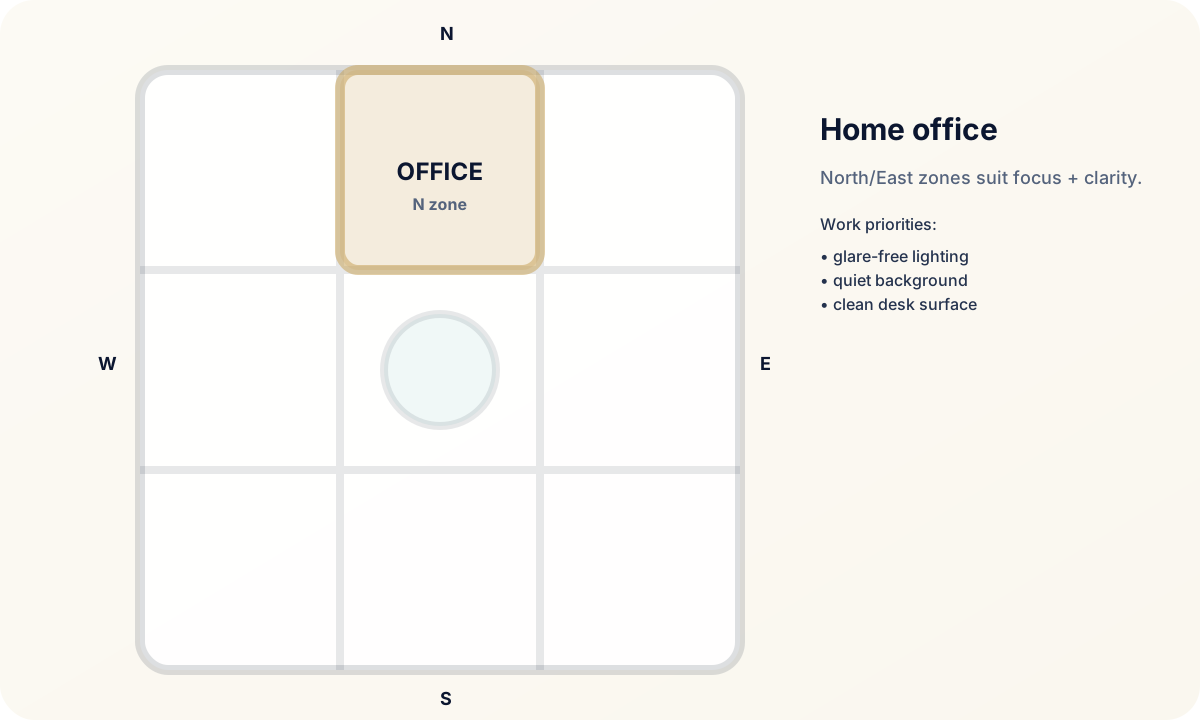
Home office deep dive for remote workers
Home Office Vastu has become important because work has entered the home permanently for many Indian families. A work corner now affects income, confidence, meetings, posture, and family boundaries. The best home office is not always a separate room. It is a place where work can begin quickly, stay organised, and close properly at the end of the day.
Facing north or east is often preferred, but do not sacrifice ergonomics; confirm your desk direction with How to Check Directions Correctly. A desk facing east with back pain, glare, and poor internet is not better than a well-lit, comfortable desk in another direction. Place the screen at proper height, keep wires controlled, and ensure calls are not disturbed by kitchen noise, television, or door movement. A stable background improves professional presence.
For business owners, keep financial documents and client materials separate from family clutter. For salaried professionals, keep office equipment in one zone so the home does not feel invaded. For freelancers, create a ritual that starts and ends work. This protects both earning energy and family peace.
Recheck the desk when daylight or working hours change
A desk tested for morning calls may become uncomfortable for late-afternoon screen work. Review reflections at the hours you now use it and adjust coverings or task lighting accordingly.
If equipment changes, reassess its space and ventilation rather than stacking a new device wherever it fits. Keep the area behind the monitor accessible for cleaning and service without straining connectors.
Agree how a shared room works during calls
Discuss the work periods that require privacy and the routes other household members still need. A bedroom office cannot make the wardrobe or doorway unavailable all day. Arrange calls around unavoidable room use where possible.
For two people sharing a desk, agree how each person stores papers and restores settings or accessories after a session. Confidential client materials need appropriate storage, not just a visually tidy pile.
Adapt the call setup before changing the room
Try a different camera angle, a permitted curtain or a movable lamp before considering permanent partitions. Check that the adjustment does not obstruct airflow, the wardrobe or the route to the door.
If the problem is persistent outside noise or inadequate electrical provision, identify that separately. Decorative objects and desk direction cannot substitute for the relevant technical assessment.
A work-session review
Can you read the screen without moving around reflections? Are the keyboard, notes and regularly used equipment within comfortable reach? Does the camera reveal anything private, and can the household still use the room?
Check how work ends as well as how it begins. There should be a place for open files and accessories so the bedroom or shared table can return to its other use without losing important papers.
Reader-friendly summary
For final review, take one test video call from the desk. Check face lighting, background, sound, posture, and whether family movement interrupts the frame. A professional home office should support confidence, because confidence affects meetings, decisions, and income.
If the home office is used by more than one person, create separate storage trays and a shared reset rule. The desk should return to neutral at the end of each work session, so the next person does not inherit clutter or stress.
Also review storage behind the camera view. Open shelves full of files, wires, and random objects create visual pressure even when they are not on the desk. Use closed boxes or cabinets so the work zone feels calm from every angle.
A focused work corner should make earning feel organised, professional, and repeatable every day.
FAQ
Must I face north or east even if that puts glare on the monitor?
No. Those are traditional preferences. Choose a workable screen position and lighting arrangement; do not sacrifice comfortable viewing to keep a compass facing.
How can a bedroom office keep private calls separate from room access?
Agree call periods, check the camera frame and keep the door and wardrobe route available. Use suitable document storage and reconsider the call location when privacy cannot be maintained.
What should I test before buying a compact desk?
Try the chair movement, equipment footprint, writing space and nearby doors. Include the cables and documents you actually use, not just the laptop.
Can two remote workers share one desk?
They can plan separate storage and scheduled use, with a reset between sessions. Check whether their equipment and confidentiality needs are compatible.
Does a Vastu desk direction guarantee career progress?
No. Direction preferences do not guarantee promotion, salary or business results. Judge the workspace by how it accommodates the tasks you need to perform.
Related guides for deeper reading
Work guides
Home planning
More Vastu guides to read next
Home and layout
Home Vastu, Apartment Vastu, Balanced Layout, Small Apartment Vastu
Directions and buying
Check Directions, Main Door Vastu, East-Facing House, North-Facing House
Room-wise help
Kitchen Vastu, Bedroom Vastu, Bathroom Vastu, Pooja Room Vastu
Focus and work
Study Room Vastu, Home Office Vastu, Wealth Vastu, Office Vastu
Remedies and support
Vastu Remedies, No-Demolition Remedies, Vastu FAQ, Trust and Support
Popular blog topics
Kitchen Do's and Don'ts, Mirror Vastu, Vastu Plants, Brahmasthan Vastu
Conclusion
Keep the home office organized around professional tasks and the room's other uses. Test screen visibility, calls, chair movement and document access before making permanent changes. Preserve a workable setup even when it cannot follow a preferred traditional direction.